
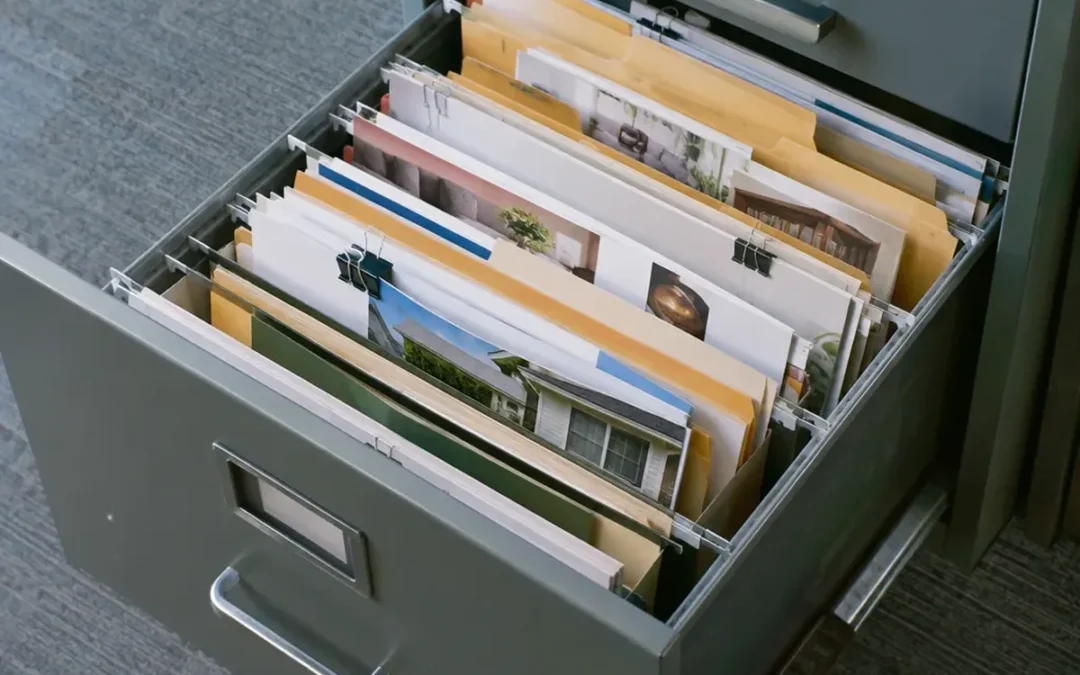
In practical terms, a swipe file is a personal collection of proven ads, sales letters, emails, headlines, and other marketing materials you keep for reference and inspiration. Its point is not to borrow someone else’s finished copy. Instead, use it to spot the decision behind a piece: why a headline earns attention, how an offer is framed, or where proof appears before the close. When you are starting from scratch, that collection gives you something better than a blank page: evidence to study.
What Is a Swipe File, Exactly?
At its core, a swipe file is a curated collection of examples that a copywriter, marketer, content creator, author, publisher, or PR professional returns to when shaping a message. Think of it as a personal search engine for working inspiration. Like a designer assembling a mood board, a copywriter keeps examples of language, sequence, layout, and offers that deserve a second look.
What does “swipe” mean in copywriting?
In copywriting, to swipe is to take the underlying concept from an example and apply it to your own work. For instance, you might notice that an email opens with a sharp problem, earns belief with a concrete proof point, and then makes one clear ask. That sequence can inform your next email. You take the structure, not the original subject line, claims, product details, or wording.
For your work, that distinction matters. Swiping means studying structure and adapting it for your product, audience, and moment. By contrast, copying means taking the original content. In the first case, you build judgment; in the second, you produce a weak imitation of a campaign that may have been written for a completely different audience and time.
Why direct-response writers kept files long before screenshots
In direct-response circles, Gary Halbert popularized, and may have coined, the term “swipe file.” Before the internet, copywriters clipped direct mail, magazine ads, and newspaper promotions and stored them in physical folders. In 1975, the first printed mention of “swipe file” appeared in a photography magazine. For some old-school writers, the archive was a “morgue file”: material that looked finished but could be brought back to life as a lesson.
For that reason, a swipe file should not be a pile of attractive screenshots. In direct-response work, writers paid attention to promotions that kept appearing, because a repeated mailing could signal a “control,” the promotion the advertiser did not want to replace. In a multi-sample, repetition gives you a reason to ask what the ad is doing right.
What to Collect So Your File Helps When You Need It
At first, collect material that solves a writing problem you actually face. For many writers, a headline file is the most useful first category because headlines are widely treated as the most important single element of an ad. Over time, save the examples that make you stop, reread, click, or understand an offer faster.
- Headlines and subject lines: note the promise, tension, specificity, or audience cue—not just the words.
- Emails: save welcome, nurturing, sales, cart-abandonment, upsell, and one-to-one outreach examples.
- Landing pages and sales pages: capture the opening, proof, offer presentation, objections, and close.
- Ads and scripts: include social ads, banner ads, VSL scripts, and promotions that show a clear hook.
- Content openings and endings: blog intros, calls to action, and pop-ups can reveal useful ways to move a reader forward.
- Bad examples: a confusing offer or vague headline is a practical reminder of what to avoid.
For example, if you save a piano-ad headline because it creates a vivid before-and-after scene, write a note such as: “Starts with public embarrassment, then implies a transformation.” Later, build an original opening for your own audience from that observation. Under no circumstances reuse the line.
Historical copy can sharpen your eye, too. In many files, you will find work associated with P. T. Barnum, Eugene Schwartz, David Ogilvy, Leo Burnett, Claude Hopkins, Joseph Sugarman, Gary Halbert, John Carlton, and Dan Kennedy. Its value is not a ready-made template. Rather, it is the chance to see how a writer handles attention, proof, specificity, and an offer over a full piece of copy.
Build a Swipe File in Deliberate Steps
- Choose a simple home. Use a physical folder, Google Drive, a note database, or an email folder. The tool matters less than finding examples again.
- Save the whole context. Keep a screenshot or clipping, the source format, and enough surrounding copy to understand where the element appears.
- Label the reason you saved it. Add tags such as “curiosity headline,” “risk reversal,” “proof,” or “close.” A file without notes becomes a gallery.
- Review before a project, not only while collecting. Open the relevant category when writing an email, landing page, or campaign, then study a small number of examples closely.
At first, use broad categories. Creating too many subfolders on day one makes a new system harder to use. Split a folder only when it becomes hard to scan.
Organize Your Swipe File by the Question You Need to Answer
In a useful system, you can find an example from more than one direction. By type, market, and persuasion element, organize each item. For example, a SaaS landing page with strong proof should be reachable under “landing pages,” “SaaS,” and “proof,” rather than trapped in one location.
| Dimension | Useful categories | Question it answers |
|---|---|---|
| Type | Headlines, emails, VSLs, ads, sales letters | What format am I writing? |
| Market | Health, finance, SaaS, coffee, or your own market | What audience and product context am I facing? |
| Persuasion element | Hooks, proof, offers, objections, closes | What job must this section do? |
With Google Drive, use a simple folder structure and a consistent file name such as TITLE_Tag1_Tag2_Tag3. In Gmail, dedicated email swipe file folders can include Welcome, Nurturing, Sales, Cart-Abandonment, Upsells, SDR/1-to-1, DIFFERENT, and BEST. In a notebook tool, a hierarchy such as “Alternative Health – Great Copy” or “Alternative Health – Poor Examples” combines niche, category, and quality in one label.
Use a Swipe File to Learn Structure, Not Borrow Copy
When you use a swipe file, move through three steps: study the structure, identify the principle underneath it, and adapt that principle to your product and audience. In that process, the example stays in its proper role: a teaching tool.
Say you are writing a landing page for a project-management tool. In a saved email, you may see a productive order: name a frustrating work situation, show the desired change, then give evidence. Your version should describe your own user’s situation, your product’s actual outcome, and proof you can support. It should not swap the other company’s name into the same sentences.
Before using an idea, try this test: can you describe what you learned without naming the original piece, and is your final version recognizably your own? If yes, you are probably working from a principle. If the original wording, distinctive phrasing, or creative concept is still visible, return to the observation and write again.
At their best, successful campaigns address a specific audience with a specific message at a specific time. A swipe file provides examples from past moments, not instructions to repeat them unchanged. Like a jazz musician studying phrasing and rhythm, learn the move, then play your own notes.
What Is Swipe Copy—and Where Is the Line?
Sometimes, people use “swipe copy” to mean copy saved as an example to study. It should not mean copy that is ready to paste into a new campaign. Beside swipe copy, a good note explains the mechanism: “uses a concrete image to make a product benefit memorable” or “answers the biggest objection before the offer.”
Ethically, plagiarism—presenting someone else’s words as your own—is a problem. As a separate harm, copyright infringement concerns unauthorized reproduction of protected work. In the United States, fair use can cover copies used for criticism, comment, or teaching, while direct commercial use of someone else’s advertisement is usually not fair. If you cannot separate the lesson from the original expression, do not use it in your marketing.
Swipe File Myths That Lead to Bad Work
“A swipe file is a copy-and-paste library.”
No. In a useful file, the unit is a principle, framework, or sequence—not a finished block of text. With literal reuse, you ignore the product, audience, and timing that made the original promotion work.
“Only winners belong in the file.”
No. Alongside strong work, poor examples help you notice vague claims, weak layouts, and awkward messages before you make the same mistake. To preserve the lesson, keep them clearly labeled.
“More folders mean better organization.”
No. In an elaborate system you cannot maintain, your best examples will be hidden. Begin with broad categories, then categorize more precisely once a folder is genuinely crowded.
Frequently Asked Questions
How do I create a swipe file?
To create one, pick one place to store examples, begin with broad categories, save full context, and add a note explaining the element you want to study. In your normal work, start with headlines, emails, or landing pages you encounter.
Can you provide an example of a swipe file?
For a simple example, use a Google Drive folder called “Emails” containing screenshots labeled by purpose: Welcome, Nurturing, Sales, and Cart-Abandonment. Alongside each item, add tags such as Hook, Proof, Offer, or Close, plus a one-sentence note about what each email does.
What should you include in a swipe file?
In your collection, include headlines, subject lines, ads, sales letters, landing pages, sales pages, scripts, blog openings, closes, and both strong and poor examples. When you can identify them, keep repeated promotions because they give you a reason to study the pattern.
What types of swipe files can you create?
By format, create a headline swipe file, email swipe file, ad file, landing-page file, sales-letter file, or a collection organized around a market such as SaaS or health. By persuasion problem, you can also sort examples into hooks, proof, offers, and closes.
What is the purpose of a swipe file?
During the creative process, its purpose is to give you specific examples for study. With those examples, you can identify useful structures and make better decisions without treating another writer’s copy as material to reproduce.
How do you use a swipe file effectively without copying?
First, study the structure, state the principle in your own words, and rebuild it around your own product, audience, message, and proof. If your draft still depends on distinctive language from the original, keep revising.